



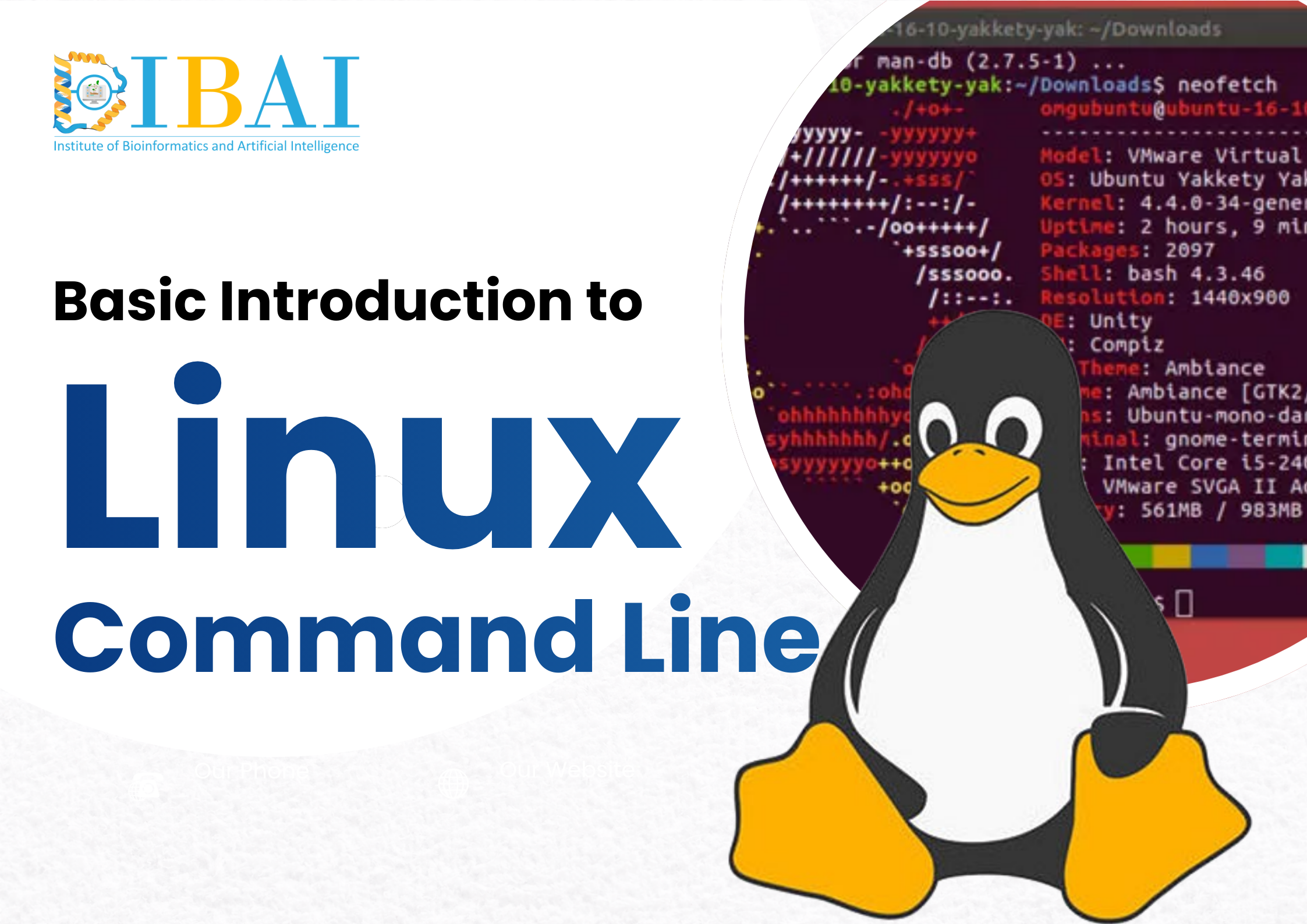
Basic Introduction to Linux Command Line
-
৳1020.00
/ ৳1200.00 -
10 Lectures
This course offers an essential toolkit for mastering the Linux Command Line, the backbone of modern computing and servers. It guides learners from basic terminal navigation and file management to understanding complex file permissions and user security. Students will learn how to manipulate data streams using pipes and filters like grep. The curriculum culminates in system administration skills and basic Bash scripting, empowering students to automate tasks and manage environments efficiently.

Description
Course Overview: Welcome to the powerhouse of computing. This course is meticulously designed to take you from a graphical interface user to a command-line pro. Whether you are a developer, a data scientist, or an aspiring system administrator, the Linux terminal is an indispensable tool. This course removes the fear of the black screen and provides a logic-driven roadmap to mastering the interface that powers the internet, supercomputers, and cloud infrastructure.
What You Will Learn: We have structured the curriculum into 3 distinct modules covering 10 comprehensive classes, transitioning you from simple navigation to writing your own automation scripts.
Module 1: Getting Started & Navigation: Learn the "geography" of the Linux system. Understand how the file system is organized and master the fundamental commands to move around, create, and organize files without ever touching a mouse.
Module 2: File Operations & Permissions: Dive deeper into control and security. Learn how to edit text directly in the terminal, search for specific files or patterns instantly, and understand the critical security model of Read/Write/Execute permissions that keeps Linux secure.
Module 3: System Administration & Automation: Unlock the real power of Linux. Learn how to chain commands together to perform complex data processing, manage running software (processes), and write your first Bash scripts to automate repetitive daily tasks.
Who Should Attend:
-
Computer Science and Engineering students.
-
Computational Researchers (Bioinformatics, Physics, Chemistry) who need to run simulations on clusters.
-
Aspiring DevOps Engineers and System Administrators.
-
Anyone wanting to move beyond Windows/macOS GUIs.
Outcome: By the end of this course, you will be comfortable navigating the Linux terminal, capable of managing files and permissions securely, and skilled enough to troubleshoot system issues and automate workflows using shell scripting.
(0) Comment